Home

addasdasd
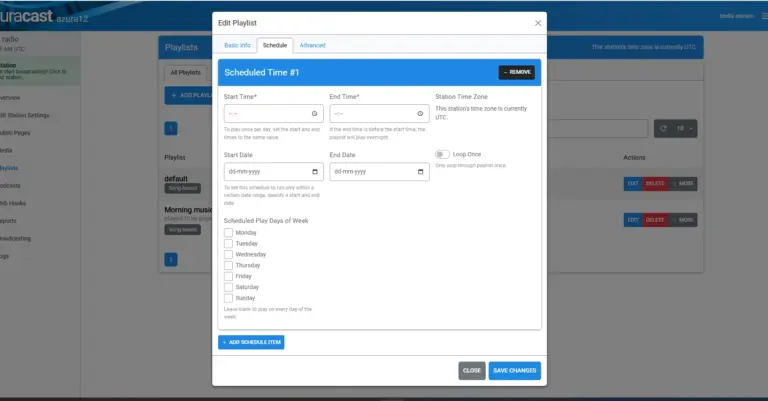
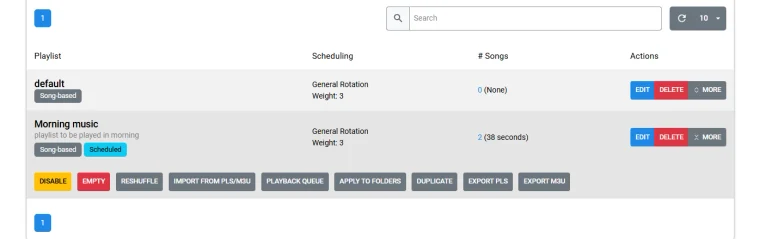
AutoDJ scheduling playlist

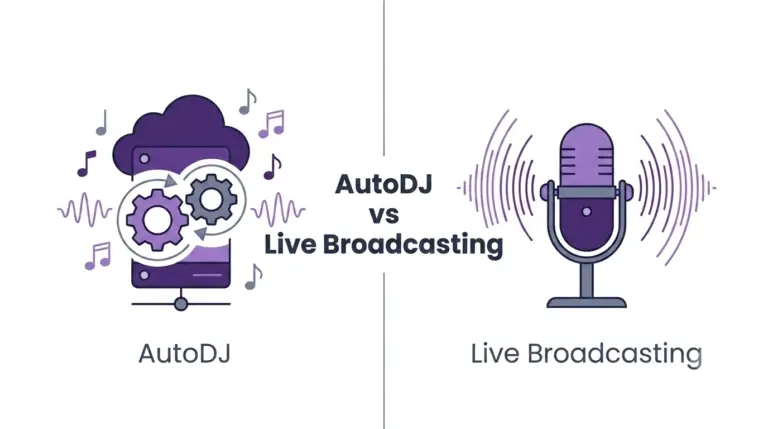
How to Set Up AutoDJ in AzuraCast

Learn how to configure AutoDJ in AzuraCast and keep your internet radio station running 24/7. Set up playlists, crossfade, song rotation, fallback content, scheduling, and monitoring for continuous automated broadcasting.

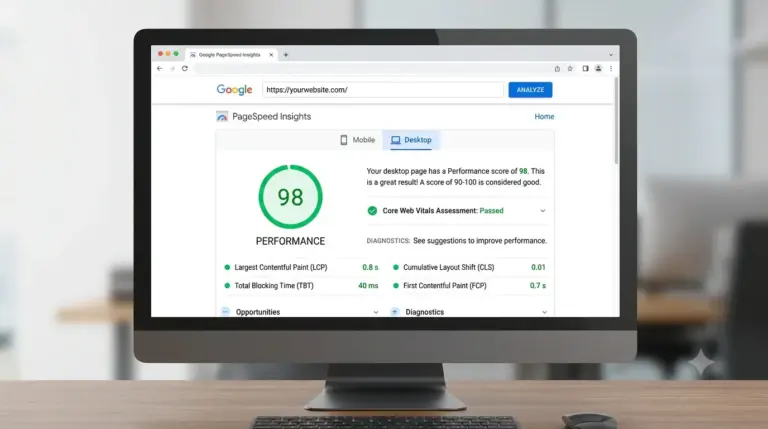
WordPress website speed

Why Does Website Speed Matters?

Website speed is an important part of a good online experience. When a website takes too long to load, visitors may become frustrated and leave before they find what they are looking for. For businesses, this can mean fewer enquiries,…

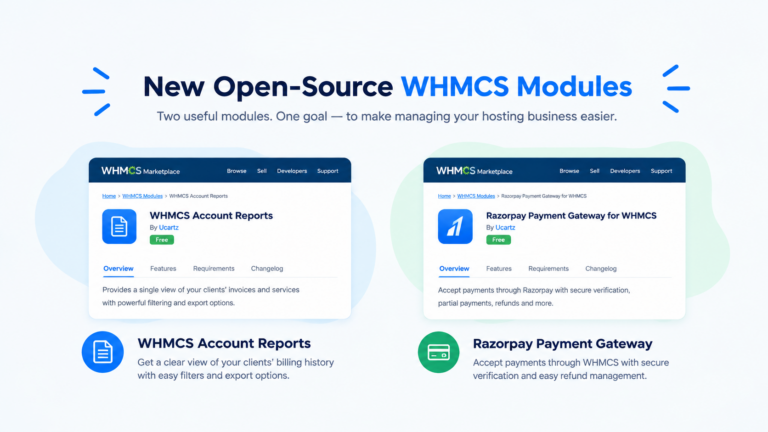
New Open-Source WHMCS Modules

New Open-Source WHMCS Modules by Ucartz

We are excited to launch two new open-source modules to make managing your hosting business easier. Managing a web hosting company requires reliable tools and simple workflows. At Ucartz, we want to help hosting resellers and small business owners run…

how to upload media in azuracast

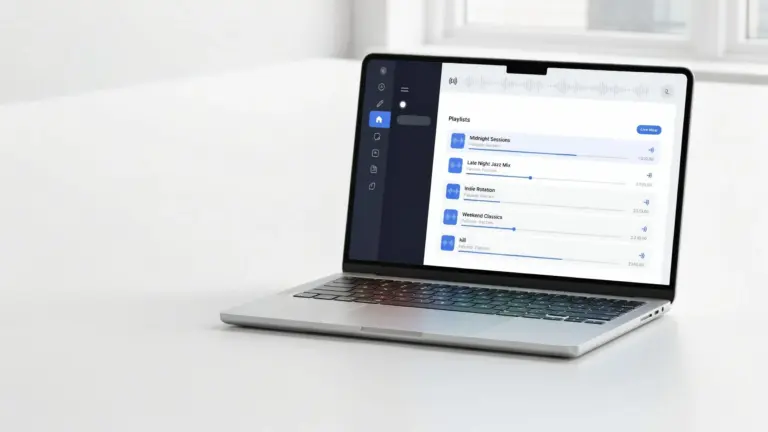
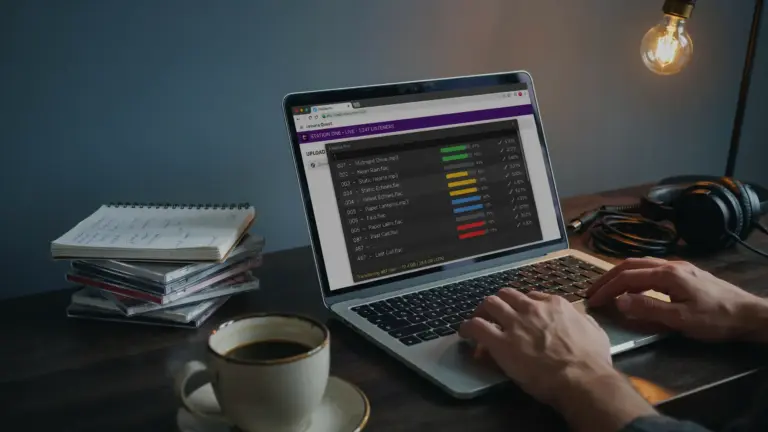
How to Upload Music to AzuraCast

Uploading music to AzuraCast is the first step toward building a fully automated online radio station. This guide explains how to upload songs through the Media Manager or SFTP, verify metadata, organize your library, handle unprocessable files, and prepare your tracks for playlists and AutoDJ.