Need to set up a new email account with your Ucartz’s cPanel hosting account. Here’s a simple guide that will show you how to create an email account in cPanel.
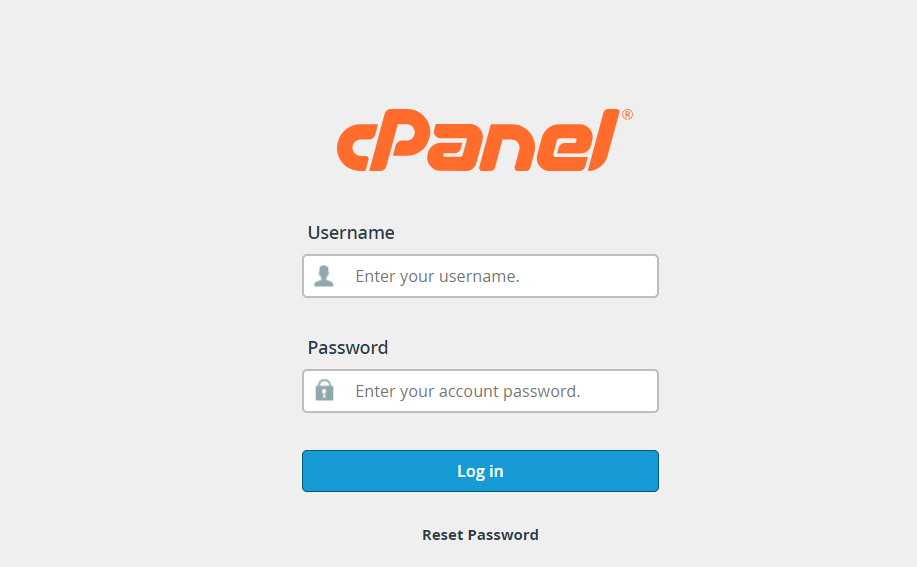
1. Login to Your cPanel Account
- Access cPanel: Open your web browser and go to your cPanel login page.
- Enter Credentials: Type in your username and password.
2. Create an Email Account
- Navigate to Email Accounts: Once logged in, find the “Email” section on the cPanel dashboard and click on “Email Accounts.”
- Create New Account: You’ll see an interface for email account management. Click the option to “Create” to create the email Account

- Enter Details:
- Username: Choose a name that suits your purpose .
- Password: Create a strong password for this account. cPanel usually offers a password generator to create a secure one for you.
- Optional: You can specify the amount of storage space the email account can use. You can leave it as the default or set a limit.
- Finalize: Click “Create” to establish your new email account.

3. Access Newly Created Email from cPanel :
- After you’ve successfully created your new email account, you can click on the “Go Back” option to view your email account in the list of existing accounts. To access your email within cPanel,look for the “Check Email” option on the right side of the email list corresponding to the account you wish to access.

4. Check Your Email Through Webmail
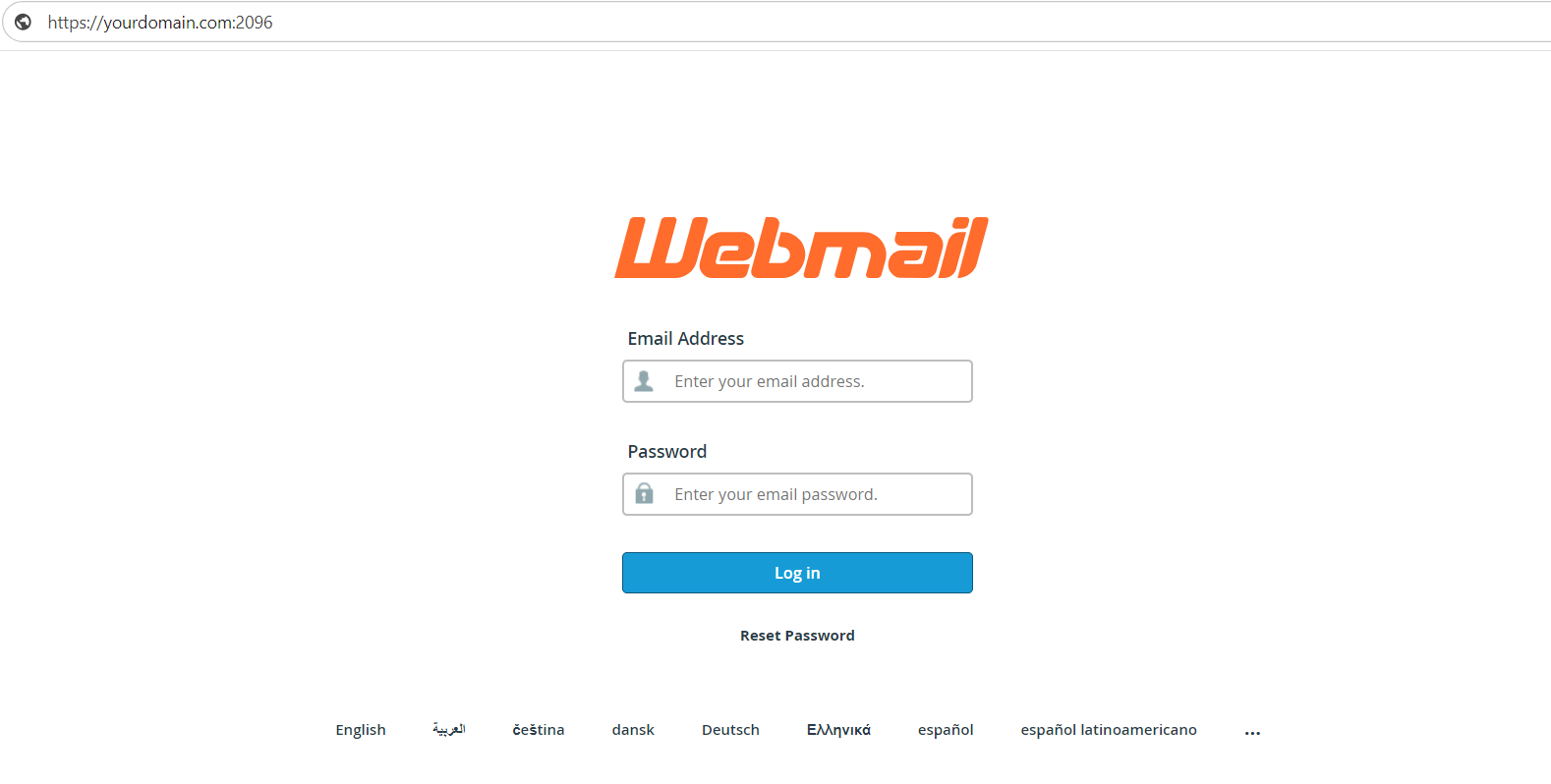
- Access Webmail: Open a new tab in your browser and navigate to https://yourdomain.com:2096. Replace “yourdomain.com “with your actual domain name.
- Login: Enter the full email address you’ve just created and its password.
- Select Log in: Once logged in, you can access your email inbox through Webmail. Ucartz’s cPanel usually provides a choice of Webmail clients (like Roundcube, Horde, or SquirrelMail). You can select the one you prefer or try them out to see which interface you like best.
Additional Tips:
- Security: Ensure your passwords are strong and unique for both cPanel and your email accounts to prevent unauthorized access.
- Customization: Within Webmail, you can customize settings such as signatures, forwarding, and autoresponders.
- Support: If you encounter any issues or need more specific instructions, Ucartz’s support team can provide guidance and assistance.
By following these steps, you should be able to create a new email account in your Ucartz’s cPanel hosting account and access it through Webmail without any problems.