To add a new IP address to a server or change the shared IP address of your server. Also, need to update several accounts in as few clicks as possible. This can be done using root WHM’s “Change Multiple Sites’ IP Addresses” feature.
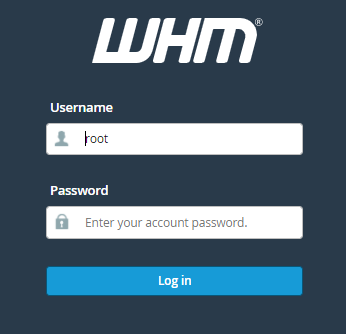
1. Log into WHM.
2. Now go to Home, select Multi-Account Functions.
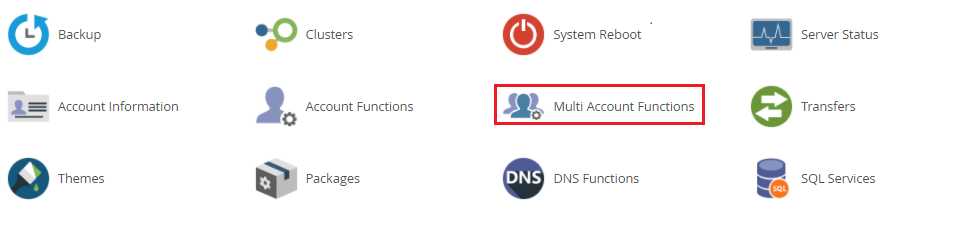
3. Next, move to the option Change Multiple Sites’ IP Addresses option.

4. You can see the box next to the domain to choose the accounts you want to modify.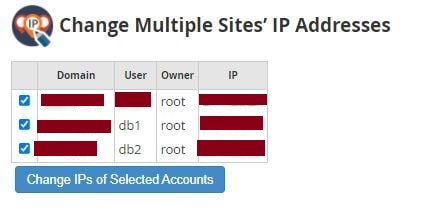
5. Click “Change IPs of Selected Accounts” after you’ve selected all of the accounts you want to change.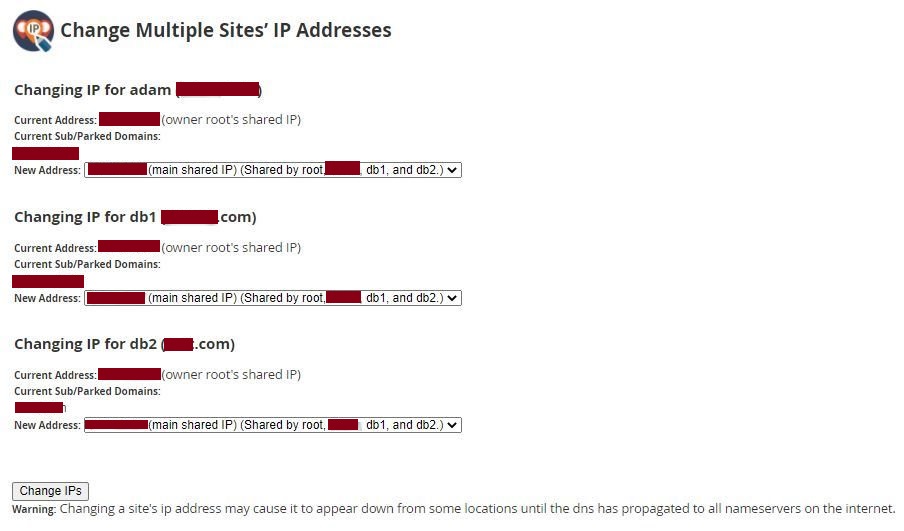
6. Pick the new IP address for each account from the dropdown menus.
7. Click on the “Change IPs” button.
That's. It is done.
