Uptime Kuma VPS Hosting from $4 a Month.
Self-host Uptime Kuma without the setup work: a VPS of your own with Uptime Kuma pre-installed, and our engineers helping you configure it. Full root access means you can add a reverse proxy, Grafana, a VPN or your own scripts next to it, and check services a hosted monitor cannot reach.
$4 a month, Uptime Kuma installed.
- Full root access
- Uptime Kuma installed for you
- Unlimited monitors
 Uptime Kuma
 Open source, MIT licence
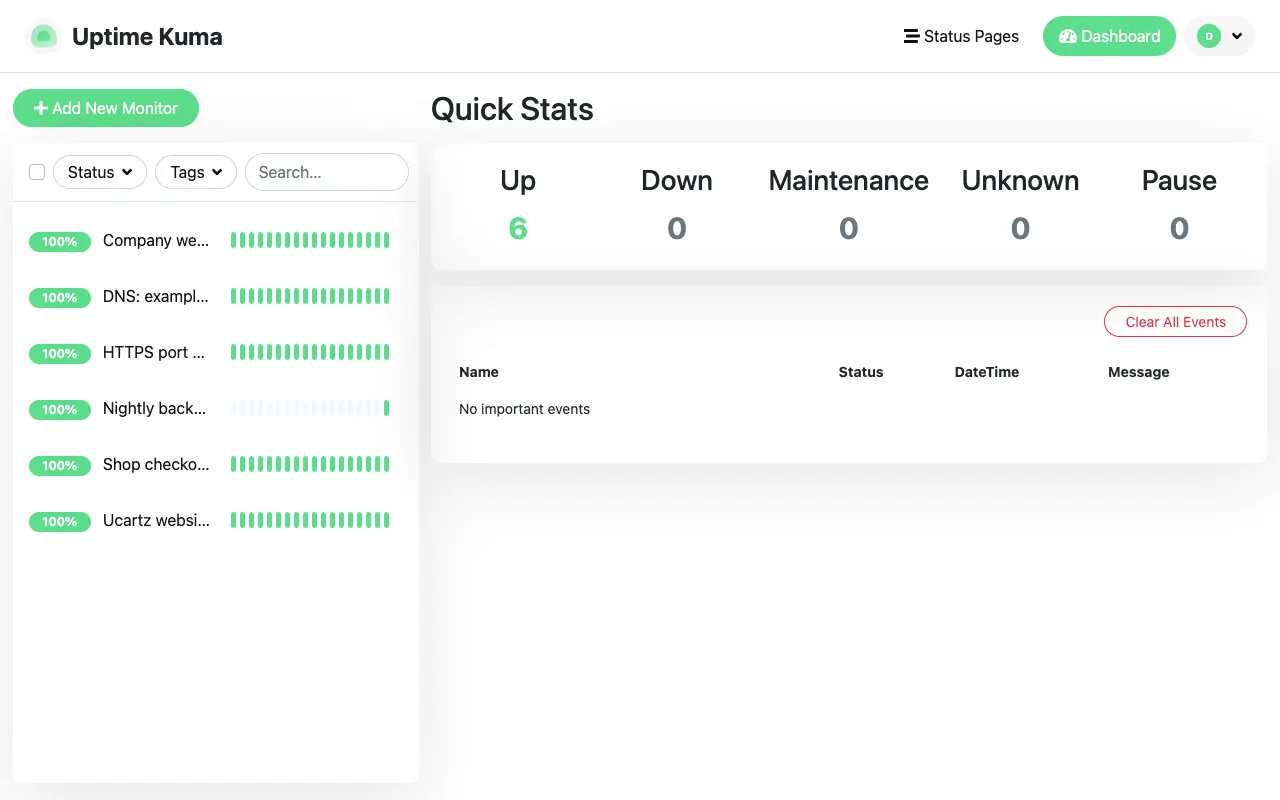
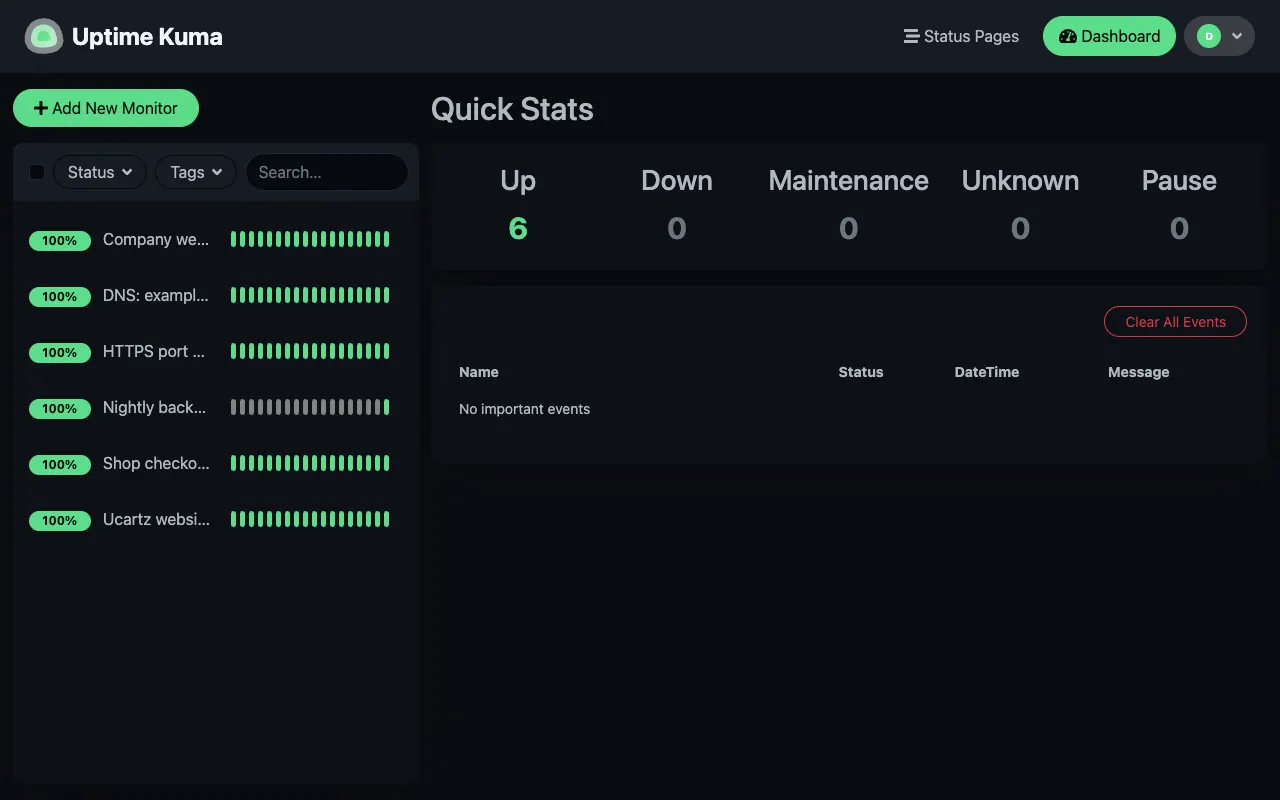
Know First, Fix First, Stay in Control.
Uptime Kuma watches your sites, servers and jobs around the clock and tells you the moment something stops answering. On a VPS of your own, you decide what it checks and how.
Hear about it first
Without it: Customers are often the first to notice an outage.
With Uptime Kuma: It checks every 20 seconds and alerts you on Telegram, Slack, email and 90+ other channels.
Reach what hosted monitors cannot
Without it: Private IP addresses, internal databases and Docker containers stay unchecked.
With Uptime Kuma: On a VPS of your own you connect over a VPN and monitor them all.
Keep your data in your hands
Without it: A closed monitoring tool keeps your history and settings on its servers.
With Uptime Kuma: Everything lives in one data folder on a server you control, with root access.
You order in our secure client area. Our engineers then install Uptime Kuma and help you set it up.
Your Own Monitoring Server, $4 a Month.
Press Get Started to order in our secure client area. Tell us roughly how many monitors you plan, and our engineers confirm the server and install Uptime Kuma.
Uptime Kuma VPS
A VPS with full root access and Uptime Kuma installed by our engineers after you order. Specs are confirmed with your order.
Managed Uptime Kuma
Nothing to look after: your own private Uptime Kuma instance, hosted and kept up to date by us, with a status page on your domain.
Larger KVM VPS plans
More memory and disk for many monitors, Prometheus and Grafana, or other apps on the same server, with a free basic Uptime Kuma setup on request.
Keep Your Monitor Apart from What It Watches.
A monitor that runs on the same server as your websites goes down with them, and then nobody gets the alert. A small VPS of its own keeps watching when your main server fails, and with root access it can do more than a hosted instance.
| Managed Uptime Kuma | Full control Uptime Kuma VPS $4 a month, Uptime Kuma installed | |
|---|---|---|
| Access | The Uptime Kuma web interface | Full root access plus the web interface |
| What it can check | Addresses open to the internet | Private networks too, for example over a WireGuard VPN |
| Other software | Uptime Kuma only | Anything you install: a reverse proxy, Prometheus, Grafana, scripts |
| Monitors | Unlimited (fair use) | Limited only by the server |
| Updates | Done by us | Yours to control; our engineers help when you want |
| Price | $12 a year | $4 a month |
| Get Started |
Rather have no server to look after? See managed Uptime Kuma hosting for $12 a year.
See Uptime Kuma at Work.
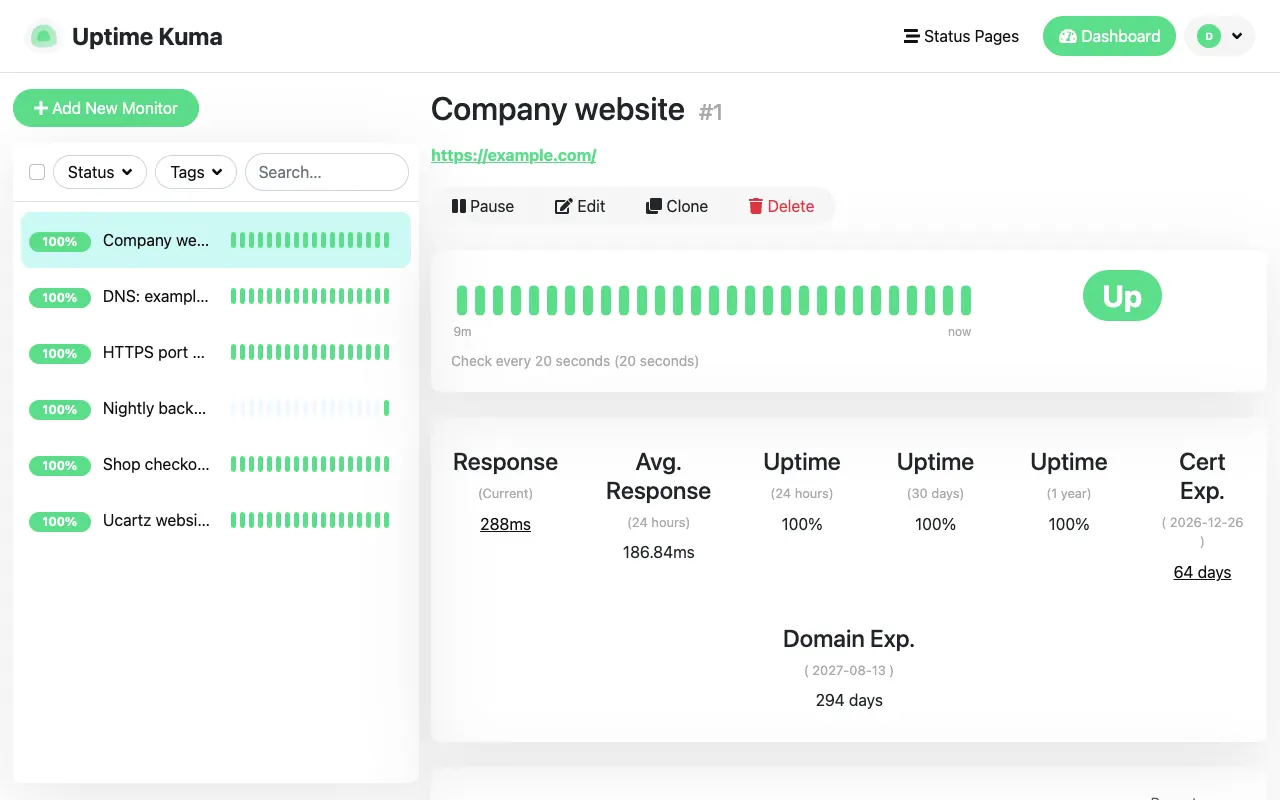
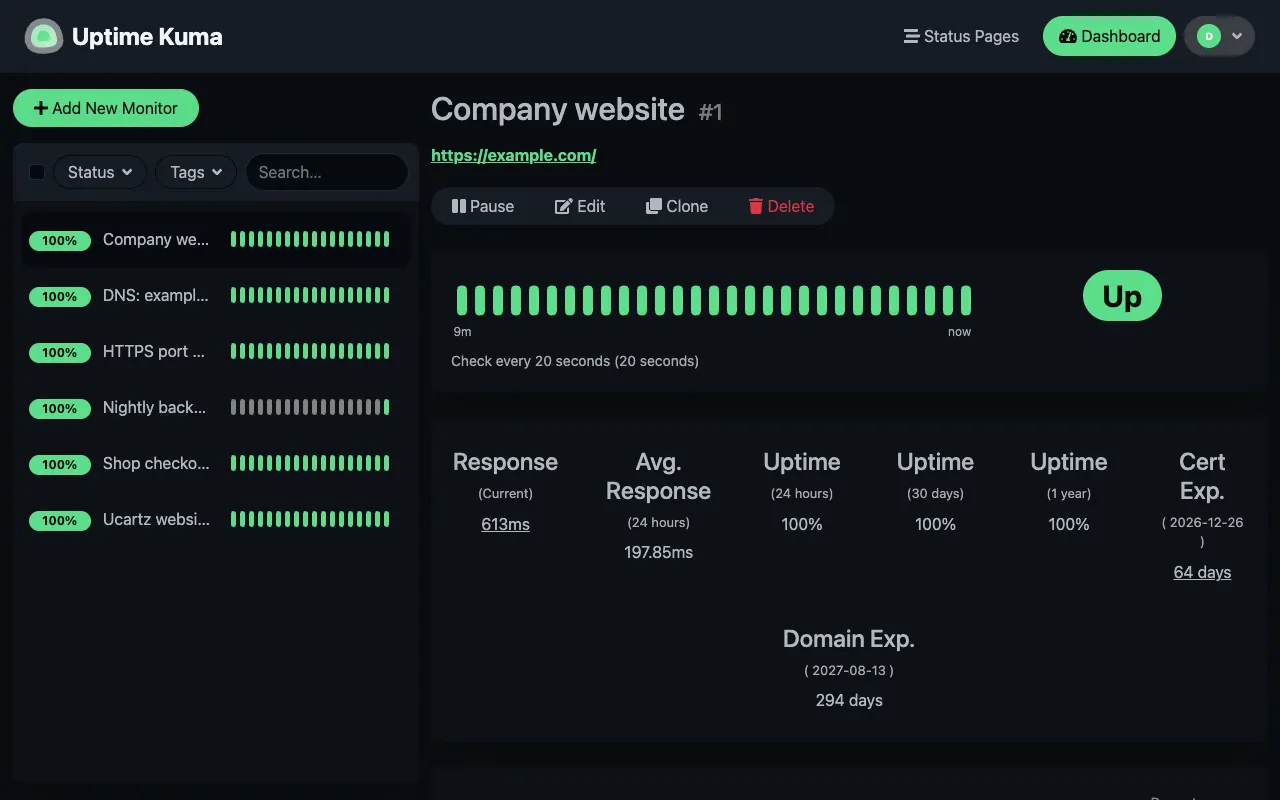
Real screenshots of Uptime Kuma 2.5.6, the current release, which our team set up on a test server with example monitors.
Monitor details
Response time, uptime over 24 hours, 30 days and a year, plus certificate and domain expiry.
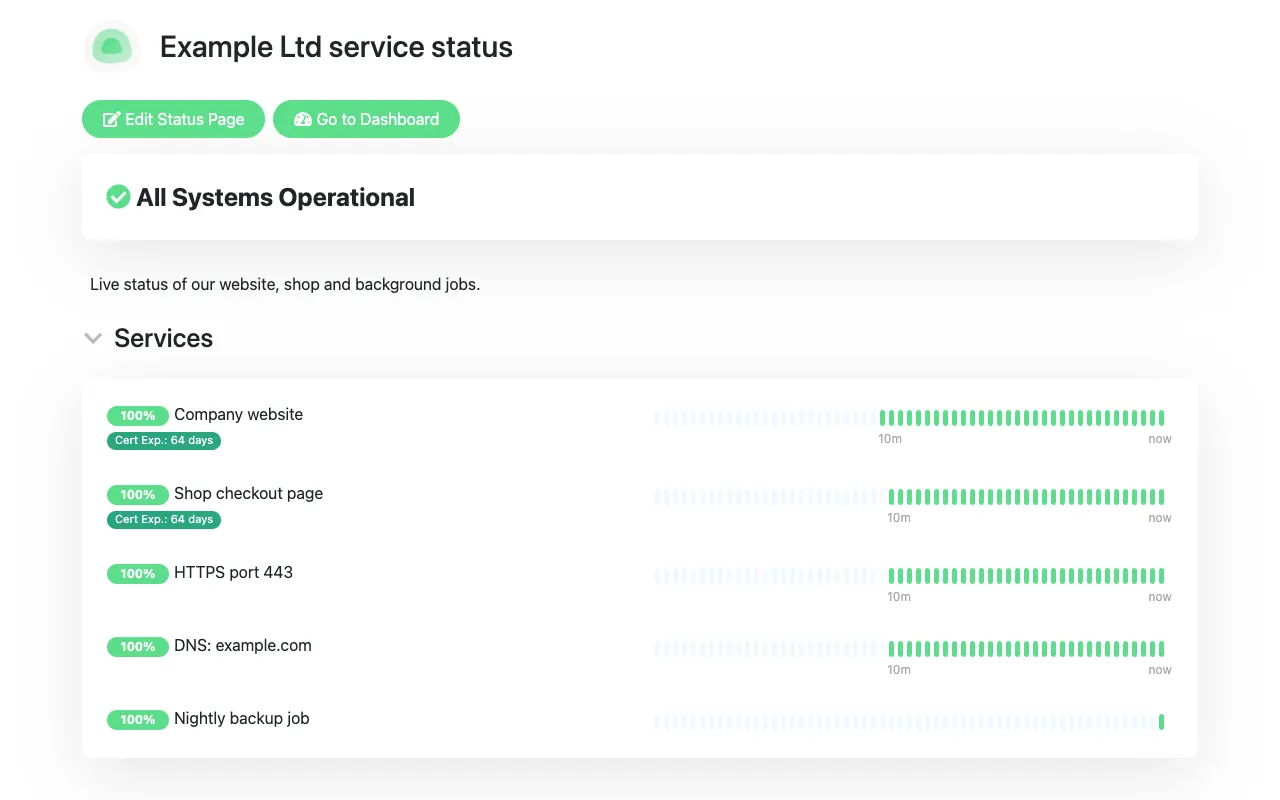
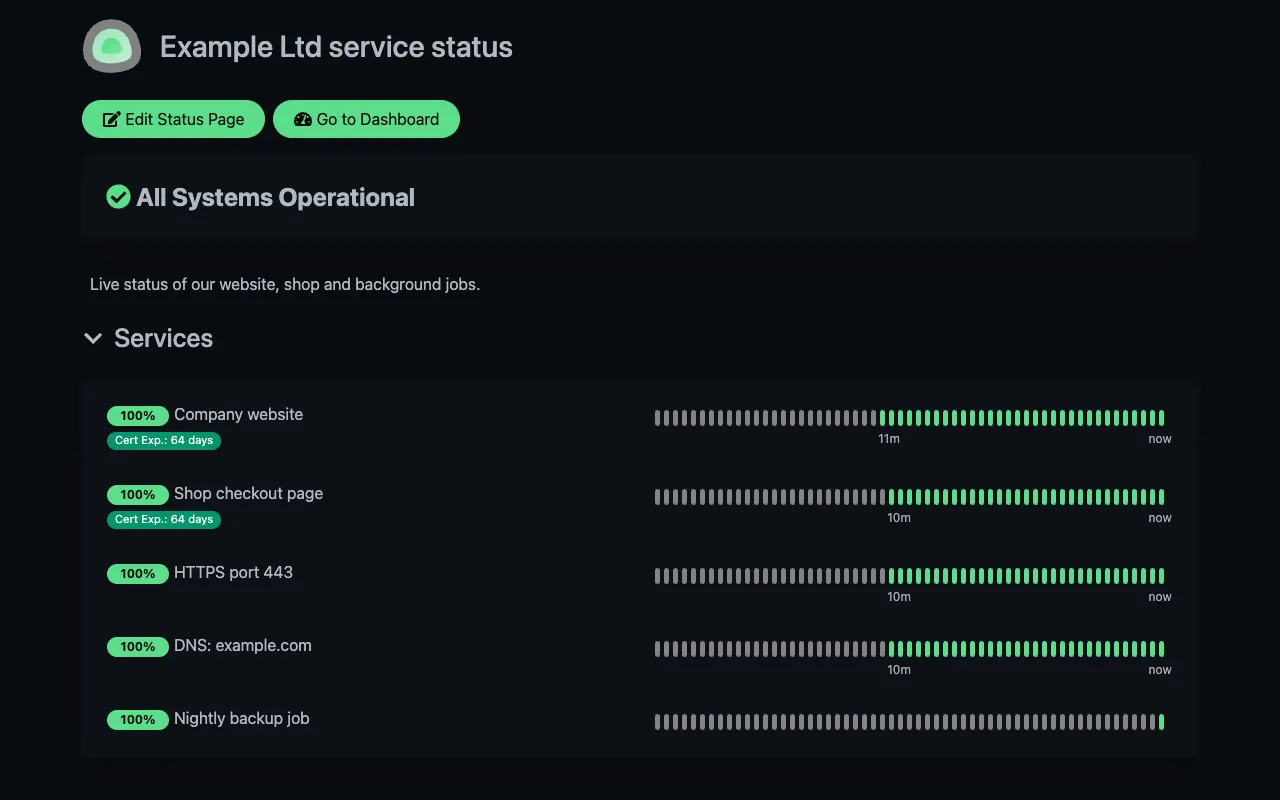
Status page
A public page your customers can check, on your own domain.
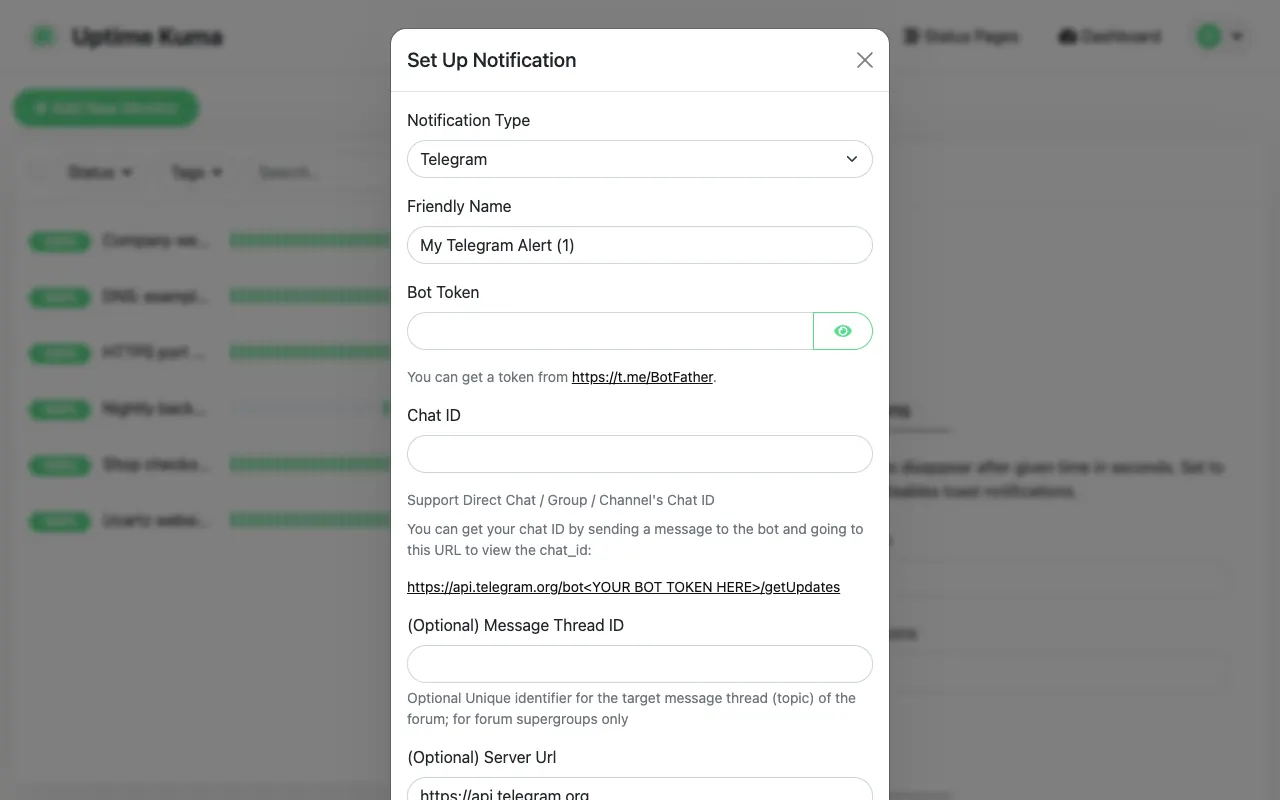
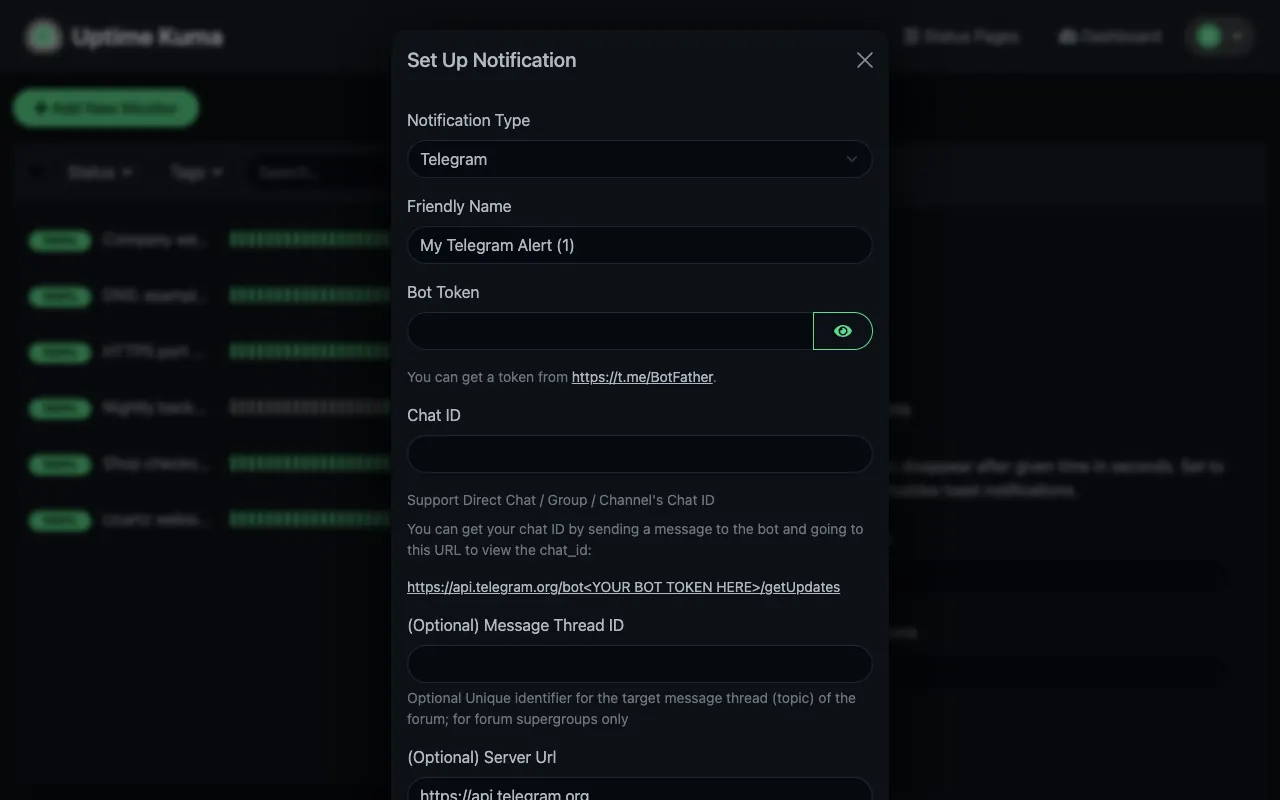
Alerts
Pick one of 90+ notification services, such as Telegram, Slack, email or a webhook.
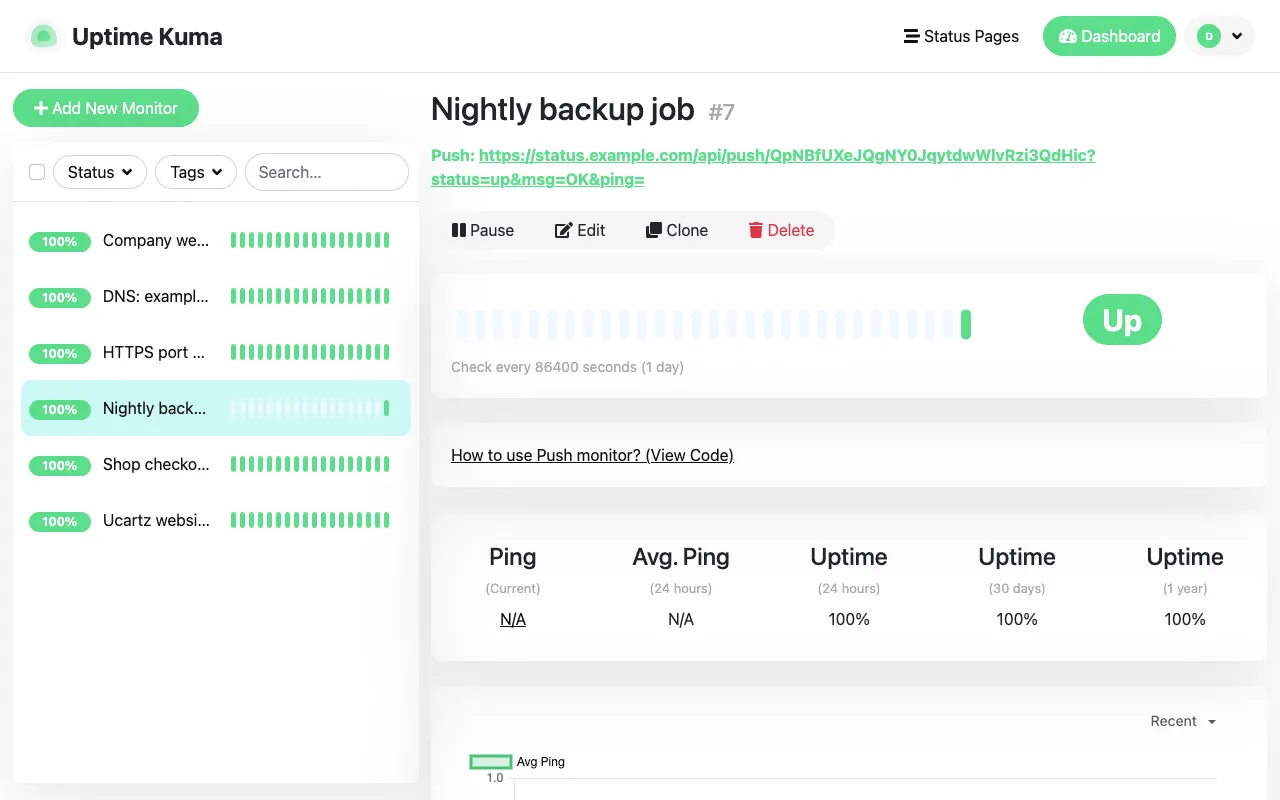
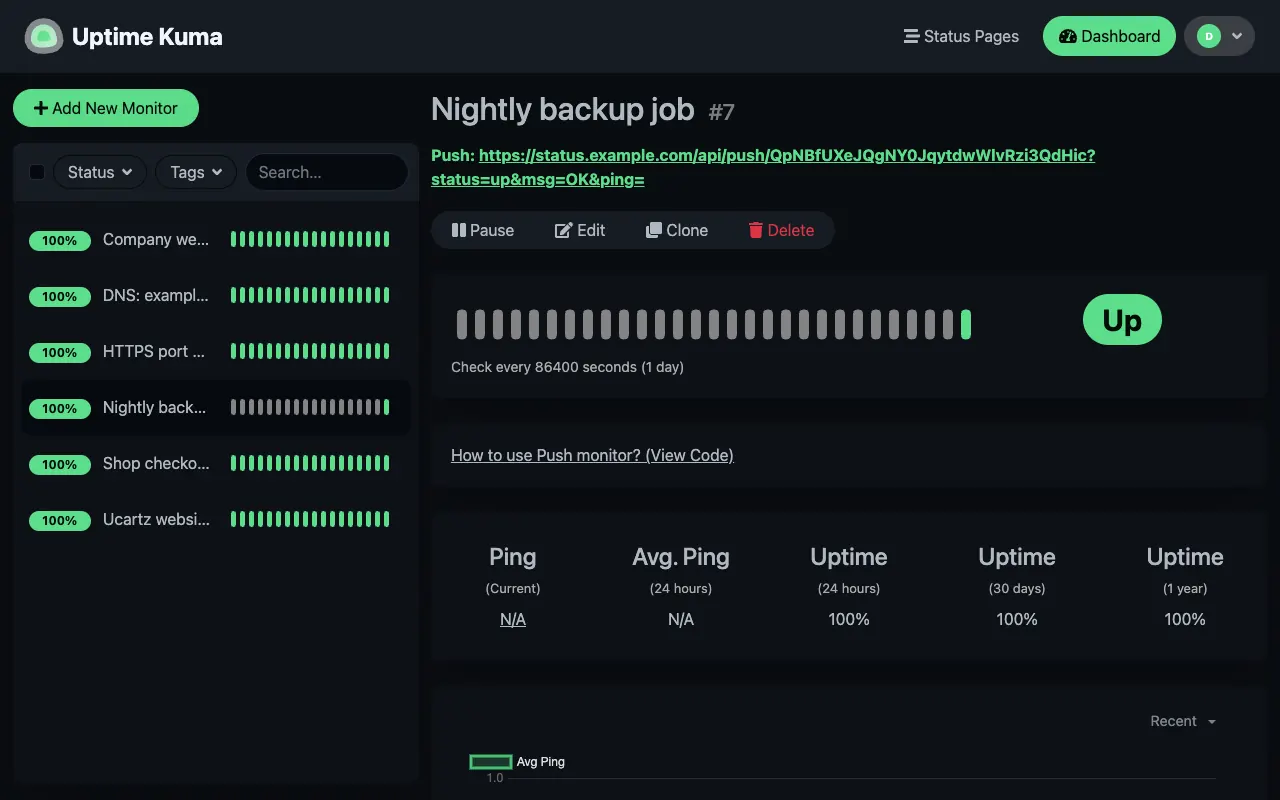
Push monitor
A unique URL your cron job or backup script calls when it finishes.
Monitor Jobs That Never Answer.
Backups, cron jobs and import scripts fail silently: nothing to ping, nothing to load. A Push monitor turns that around. Uptime Kuma gives the monitor a unique URL, your job calls it when it finishes, and if the call does not arrive within the interval you set, you get an alert.
Add this line as the last step of the job, with the URL from your own monitor:
curl -fsS -m 10 --retry 5 -o /dev/null "https://status.example.com/api/push/YOUR_TOKEN?status=up&msg=OK&ping="Uptime Kuma answers {"ok":true} to each call. Tested on Uptime Kuma 2.5.6.
Five Steps to a Safe Setup.
- Create the admin account and turn on two-factor authentication before you share the address with anyone.
- Put it behind HTTPS on its own subdomain. Uptime Kuma uses WebSocket, so the reverse proxy (nginx, Apache or Caddy) must pass the
UpgradeandConnectionheaders, and it does not run under a folder such as example.com/status. - Close the direct port. When the proxy is in front, let only the proxy reach port 3001, and set Trust Proxy to Yes in Uptime Kuma's reverse proxy settings so the logs show real visitor addresses.
- Use SSH keys for root logins and keep the firewall closed to everything you do not use.
- Back up the data folder (
/app/datain Docker). Since version 2 it is the only supported backup method.
Your Servers, Your Monitor, Your Alerts.
Uptime Kuma runs on its own VPS, away from what it watches, checks your services from outside and tells you the moment one stops answering.
Your websites and servers
Sites, APIs, databases, ports and cron jobs, including private ones over a VPN.
Your Uptime Kuma VPS
Checks every 20 seconds, keeps the history and publishes your status pages.
Alerts and status pages
Telegram, Slack, email and 90+ other channels, plus a public page for your customers.
For reference, this is a typical Docker Compose setup for Uptime Kuma 2: the data folder is the only thing to back up, and port 3001 stays on the server so only the reverse proxy faces the internet. Our engineers set up yours after you order.
services:
  uptime-kuma:
    image: louislam/uptime-kuma:2
    restart: unless-stopped
    volumes:
      - ./data:/app/data
    ports:
- "127.0.0.1:3001:3001"Uptime Kuma on a VPS: the Facts.
What it runs on, what it can check and what you look after, in one table.
| Software | Uptime Kuma 2, the open-source project (MIT licence), installed by our engineers after you order. |
|---|---|
| How it runs | Docker with the official image (louislam/uptime-kuma:2); the data lives in one folder, /app/data. |
| What it can monitor | HTTP and HTTPS, a keyword or JSON value in a response, TCP ports, ping, DNS records, Docker containers and Push monitors for cron jobs and backups. |
| Check interval | As often as every 20 seconds. |
| Memory | About 210 MB in our test with seven monitors checking every 20 seconds. It grows with the number of monitors and how much history you keep. |
| Access | Full root access over SSH, plus the Uptime Kuma web interface with two-factor authentication. |
| Metrics | A /metrics endpoint, protected by a login or an API key, for Prometheus and Grafana. |
| Backups | You keep your own backups of the data folder, as our SLA explains for self-managed VPS. Our engineers can set up a backup job for you. |
| Updates | Yours to control. Back up the data folder, pull the new image and recreate the container, or ask our engineers. |
| Specs and price | $4 a month. The server size is confirmed with your order, so tell us how many monitors you plan. |
Source: the Uptime Kuma project documentation, checked on our own test instance. Last reviewed 23 October 2026.
A Hosting Company You Can Talk To.
Real engineers who set it up, a support team that works around the clock, and a company that has been running hosting since 2013.
In hosting since 2013
More than ten years of running servers and looking after customers in 150+ countries.
Installed by our engineers
We install Uptime Kuma for you after you order, as part of our free basic app setup. You create your own admin account.
Real support, 24/7
Questions go to a support ticket that our technical team picks up at any hour, every day.
No lock-in
Root access and one data folder: you can back it up, copy it or move it whenever you like.
You order in our secure client area. Our engineers then install Uptime Kuma and help you set it up.
A Self-Hosted Uptime Kuma That Is Yours.
The full open-source Uptime Kuma on a server you control, installed by our engineers.
Full root access
SSH in as root and install what you need next to Uptime Kuma: a reverse proxy, a VPN, Prometheus and Grafana, or your own scripts.
Pre-installed, with setup help
We install Uptime Kuma after you order, as part of our free basic app setup, and our engineers help you configure it. You create your own admin account on first login.
Unlimited monitors
No per-monitor pricing; the only limit is the server. In our test, Uptime Kuma 2.5.6 used about 210 MB of memory with seven monitors checking every 20 seconds.
Check private services
Monitor internal IP addresses, databases and Docker containers that a hosted monitor cannot reach, for example over a WireGuard VPN.
Prometheus and Grafana
Uptime Kuma publishes a /metrics endpoint, protected by a login or an API key, for Prometheus scraping and Grafana dashboards.
Status pages on your domain
Serve status pages on status.yourcompany.com behind nginx, Caddy or Apache with a free Let’s Encrypt certificate.
Systems We Work With
- Uptime Kuma 2
- Docker
- Node.js
- SQLite
- MariaDB
- nginx
- Caddy
- Apache
- Let’s Encrypt
- WireGuard
- Prometheus
- Grafana
- Ubuntu
- Debian
- AlmaLinux
From Order to Done.
Order online
Press Get Started and order in our client area. Tell us roughly how many monitors you plan and the domain for your status page, if any.
We set up the VPS
Your VPS is created and our engineers install Uptime Kuma on it.
Create your admin login
Open Uptime Kuma, create the admin account and turn on two-factor authentication.
Add monitors and alerts
Add your services, connect your alert channels and publish a status page.
Real Feedback From the Businesses We Support
See how our engineering support and infrastructure keep real businesses online.

Monitoring VPS with setup help and no support contract
The server is only half of the job. Every monitoring VPS includes Free Basic Managed Support, and our engineers can configure, tune and troubleshoot the application itself whenever you need them, for one task or for as long as you like.
Free Basic Managed Support
Complimentary, best-effort help with quick tasks of about 5 minutes: server access checks, OS reinstalls, IP and DNS pointing, service restarts and first-level troubleshooting.
What is included →Plug-and-play expert help
Application setup, upgrades, integrations and performance tuning. From $8 per 15 minutes or $28 per hour, with no lock-in.
See on-demand support →AI, automation & custom builds
Connect the application to the rest of your business with CRM and API integrations, n8n automations, reporting and AI assistants.
Plan a project →Frequently Asked Questions
Quick answers about the plans, support and billing.
Your Own Uptime Kuma VPS, $4 a Month
A VPS with root access and Uptime Kuma installed by our engineers. Monitor everything, including your private network.