1. First login to your cPanel.
2. Click on phpMyAdmin, under databases panel.

3. In the phpMyAdmin, click on the desired database name you need to take a backup. Click on it from the left side.
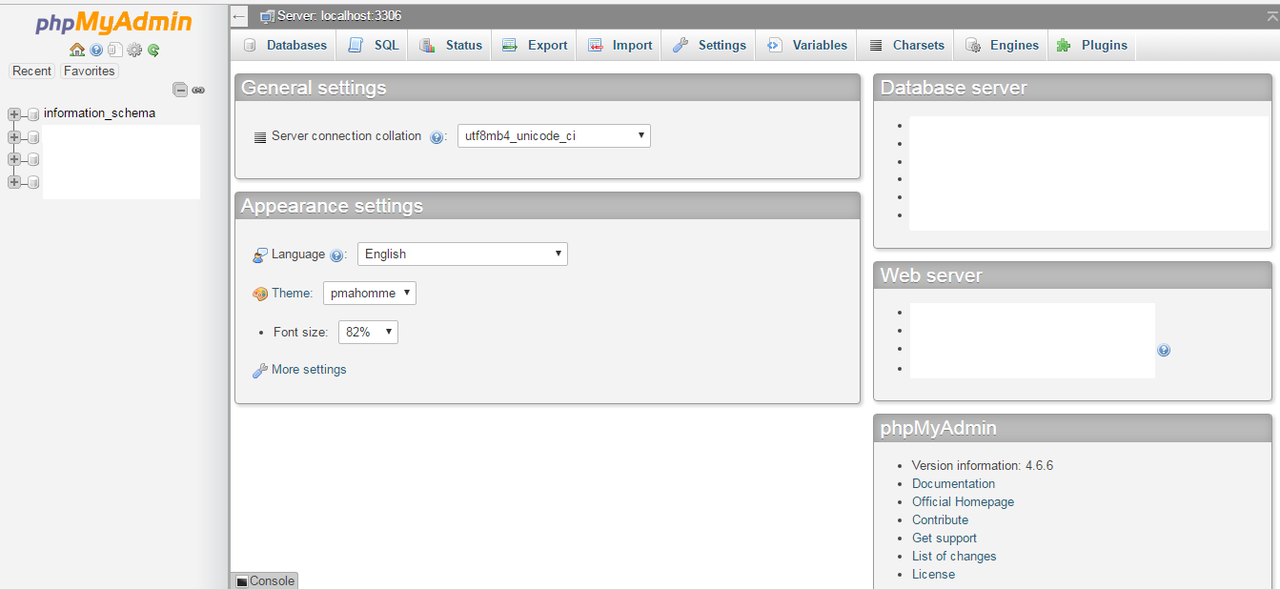
4. When all your tables are loaded, now click on “export” option which is located above all the tables.

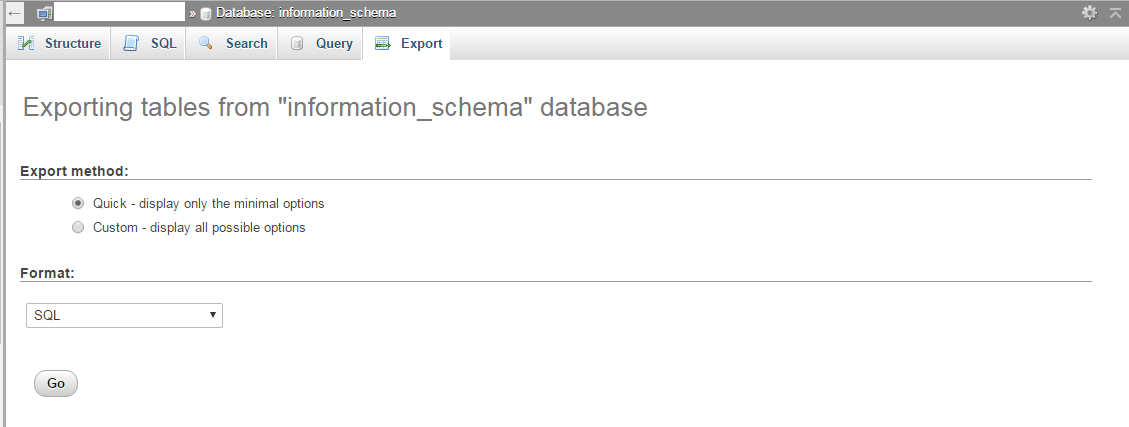
5. Now a screen appeared in front of you where you can select desired tables from the list and the format of the file you wish to save it.
Note: If you wish to select all the tables they choose “Quick - display only the minimal options” and from this option “custom - display all possible options” you can select the desired tables you wish to take backup.
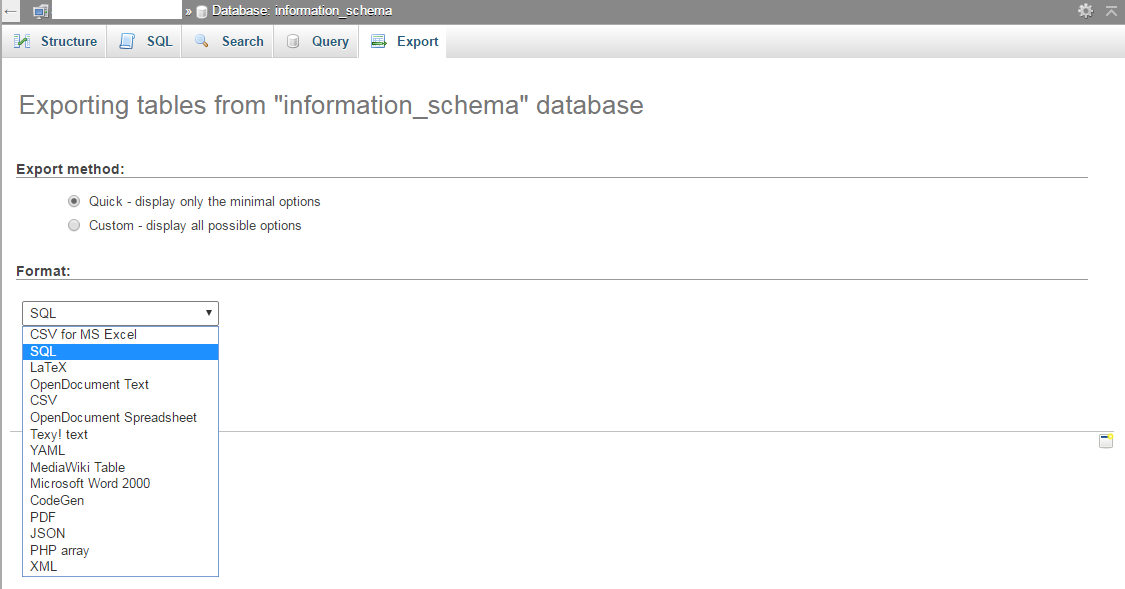
6. Now under the format option open the dropdown list and choose “SQL” option, so that you can download the database in SQL format.
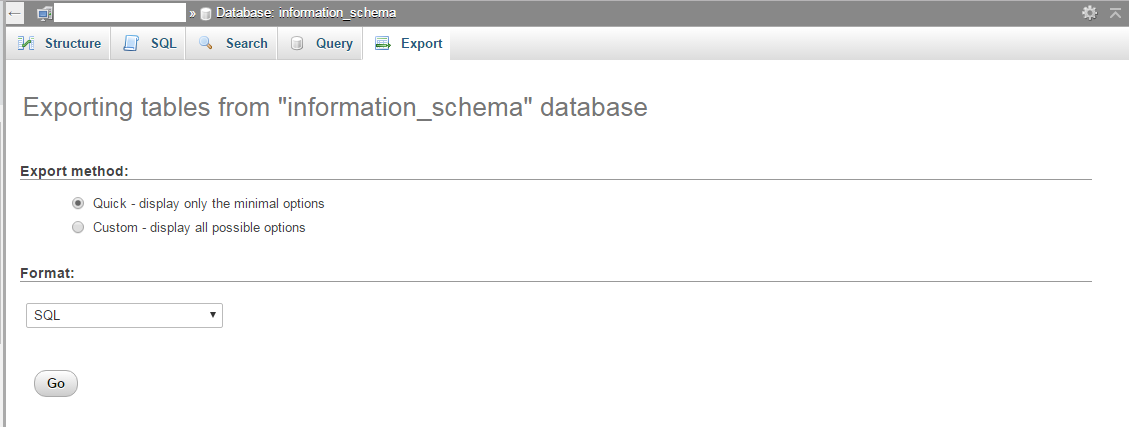
7. After selecting both the option, click on “GO” icon to start the export. Now your download will start automatically.
That's it !!
