
Short answer: professional web hosting is less about disk space and more about the things you only notice when something goes wrong. It means support from people who can fix a server, backups you can actually restore, email that reaches the inbox, HTTPS that renews itself, isolation from other customers, current PHP versions, a safe place to test changes and an uptime promise you understand. You can check most of these yourself in about ten minutes with the commands below.
What makes web hosting professional
1. Support from people who can fix things
When a site breaks, you need someone who can read an error log, not a script that tells you to clear your browser cache. Before you buy, find out how you contact support, what is included in the price and what counts as paid work. A clear list of included tasks is a good sign; “unlimited support” with no detail is not.
2. Backups you can restore
Ask how often backups run, how many days are kept, where they are stored and who restores them. A backup on the same server as your site does not help when that server fails. Whatever the host does, you can also download a full copy of your cPanel account yourself; our guide shows how to download and restore a full cPanel backup. Test a restore once, before you need it.
3. Email that reaches the inbox
Mailbox providers such as Gmail check who is allowed to send for your domain. Google’s sender guidelines ask every sender to set up SPF or DKIM, to have valid forward and reverse DNS for the sending IP address and to use TLS. Anyone sending more than 5,000 messages a day to Gmail accounts also needs SPF, DKIM and a DMARC record. A professional host gives you the tools to publish these records and a mail server whose reverse DNS is set. In cPanel, the Email Deliverability page shows whether your SPF and DKIM records are valid; our article on checking and fixing SPF and DKIM in cPanel walks through it.
One common mistake: a domain must have only one SPF record. The SPF standard says that if a lookup finds more than one v=spf1 record, the result is a permanent error. If you add a mail service, merge its include: into your existing record instead of adding a second one.
4. HTTPS that renews itself
Free certificates are short-lived. Let’s Encrypt certificates are valid for 90 days, and Let’s Encrypt has announced that this will drop to 45 days by 2028. Nobody should be renewing that by hand. On cPanel servers, AutoSSL installs domain-validated certificates automatically for websites, mail and the control panel. Ask your host whether it is switched on for every domain, including addon domains and subdomains.
5. Isolation from other customers
On shared hosting, your site lives on a server with other accounts. Good isolation stops a hacked or busy neighbour from reaching your files or slowing you down. CloudLinux, for example, puts each account in a CageFS “cage”: according to the CloudLinux documentation, users cannot see other users or their processes. It also sets per-account limits for CPU speed, disk I/O and entry processes. Limits are normal; ask what yours are, so you know when a site has outgrown its plan.
6. Current PHP versions you can choose
Each PHP release gets security fixes for a fixed time. According to php.net, PHP 8.2 receives security fixes until the end of 2026 and PHP 8.3 until the end of 2027, while 8.4 and 8.5 are newer. WordPress recommends PHP 8.3 or newer. A professional host lets you pick the version per site, so you can upgrade one site at a time.
7. A safe place to test changes
Plugin and theme updates sometimes break sites. A staging copy lets you try an update first and only then apply it to the live site. See how to create a WordPress staging site in cPanel.
8. An uptime promise you understand
An uptime percentage is easier to judge in minutes. Over a 30-day month:
| Uptime | Allowed downtime in 30 days |
|---|---|
| 99% | 7 hours 12 minutes |
| 99.9% | 43 minutes |
| 99.95% | 22 minutes |
| 99.99% | 4 minutes |
More important than the number: read the service level agreement. Check what counts as downtime, whether planned maintenance is excluded, and what you get back if the promise is missed. Then run your own external monitor, so you have your own record.
Check your current host in ten minutes
These commands work on Linux and macOS, and on Windows through WSL. Replace example.com with your domain. We tested them with dig 9.20, OpenSSL 3.5 and curl 8.22; the sample output is for wordpress.org, with the report addresses shortened.
SPF and DMARC:
dig +short TXT example.com | grep spf1
dig +short TXT _dmarc.example.com
"v=spf1 ip4:66.6.42.0/24 ip4:66.155.40.0/24 include:helpscoutemail.com -all"
"v=DMARC1; p=reject; pct=100; rua=mailto:...; ruf=mailto:...;"You want exactly one line starting with v=spf1 and one DMARC line. No DMARC line at all means none is published; our guide to publishing DMARC safely shows where to start.
Certificate issuer and expiry date:
echo | openssl s_client -connect example.com:443 -servername example.com 2>/dev/null | openssl x509 -noout -issuer -enddateissuer=C=US, O=Let's Encrypt, CN=YE2
notAfter=Dec 22 19:43:57 2026 GMTA free certificate with an expiry date a few weeks or months away is normal. One that has less than a week left and has not renewed points to a broken renewal.
HTTP version and HTTPS redirect:
curl -sI https://example.com/ | head -1
curl -sI http://example.com/ | grep -i '^location'
For wordpress.org, the first command printed HTTP/2 200 and the second Location: https://wordpress.org/. You want a 200 status (HTTP/2 is a plus) and a Location line that sends plain HTTP visitors to an https:// address.
Questions to ask before you buy
| Ask | A good answer |
|---|---|
| What does free support include? | A written list of tasks, and a clear price for anything else |
| How are backups taken and restored? | Frequency, retention, off-server storage and who restores |
| Can I set SPF, DKIM and DMARC? | Yes, from the control panel, with reverse DNS set on the mail server |
| Do certificates renew automatically? | Yes, for every domain on the account |
| How are accounts isolated? | A named technology such as CageFS, plus stated resource limits |
| Which PHP versions can I use? | Currently supported versions, selectable per site |
| What does the SLA cover? | A definition of downtime and what you receive if it is missed |
| Will you move my site? | A clear answer on whether migration is free and what it covers |
Premium web hosting at Ucartz
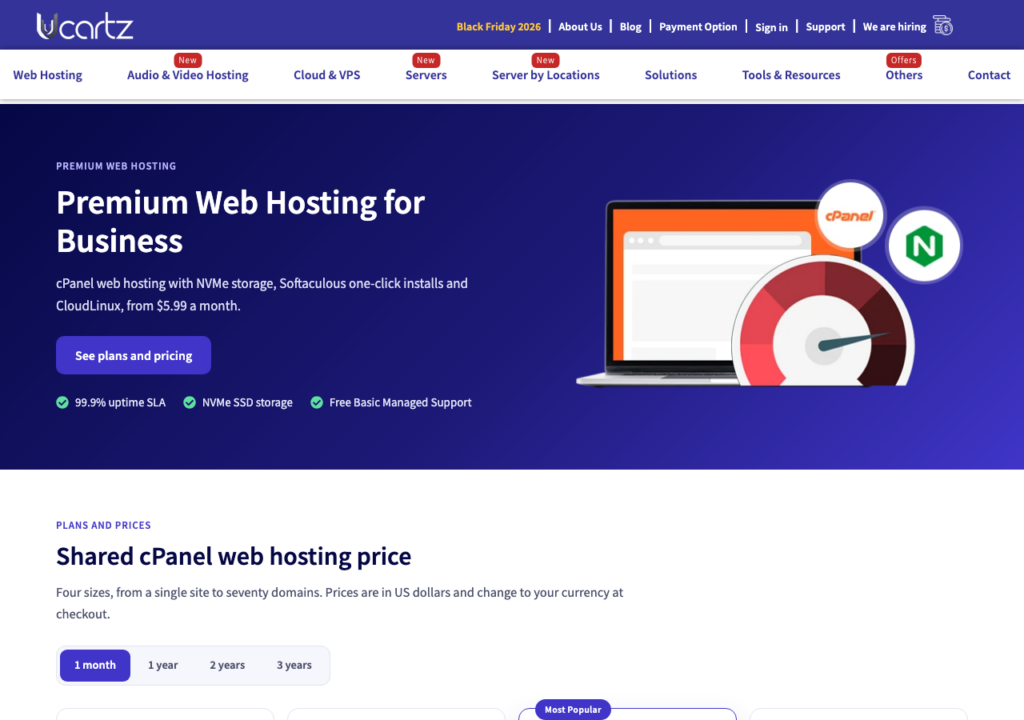
Our premium web hosting runs on cPanel with NVMe SSD storage and a free SSL certificate for every domain. Accounts are isolated with CloudLinux and scanned by Imunify360 and CXS, incoming mail is filtered by SpamAssassin, and you can switch PHP versions per site. Free Basic Managed Support covers quick tasks such as email setup, DNS, SSL and backup restores, and our team moves your site from your old host free of charge within 30 days of sign-up. Your first purchase of a hosting plan comes with a 30-day money-back guarantee, so you can run the checks above on your own site before you decide.