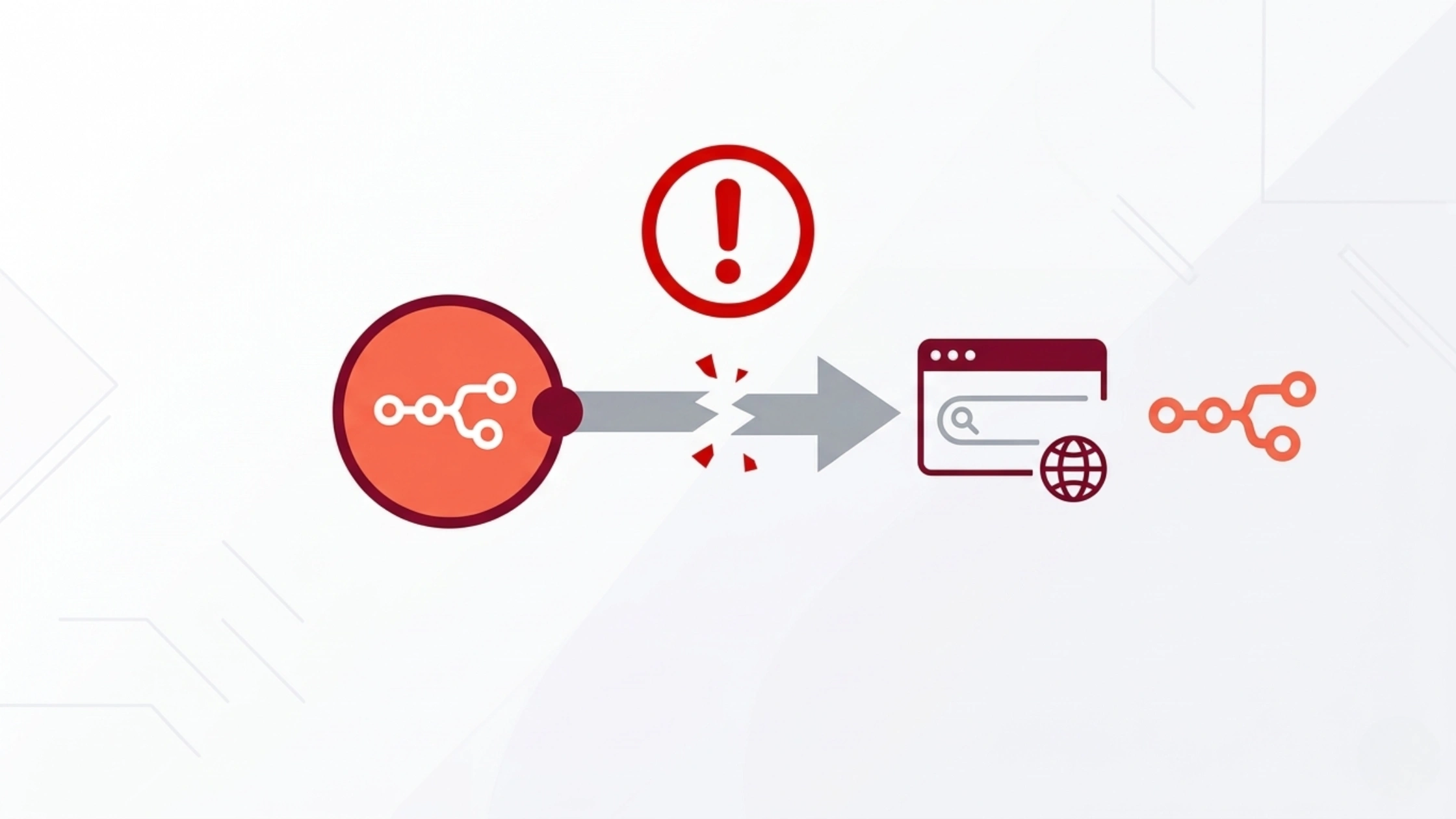

If your n8n webhook URL is not working, you’re not alone. This is one of the most common issues beginners face after setting up n8n workflow automation on a VPS.
Webhooks are the backbone of automation. They allow external apps forms, CRMs, APIs to trigger workflows instantly. But in real-world setups, especially on VPS with Docker, things often break due to configuration issues.
Typical problems include:
- Webhook URL not responding
- “Connection refused” errors
- Test webhook works, but production fails
- OAuth redirect issues
- Slack or external apps not receiving data
Most of these are not bugs. They are setup issues.
This guide walks you through exact fixes based on real troubleshooting scenarios, so you can move from it runs locally” to “it works reliably in production.
What Is an n8n Webhook (Simple Explanation)
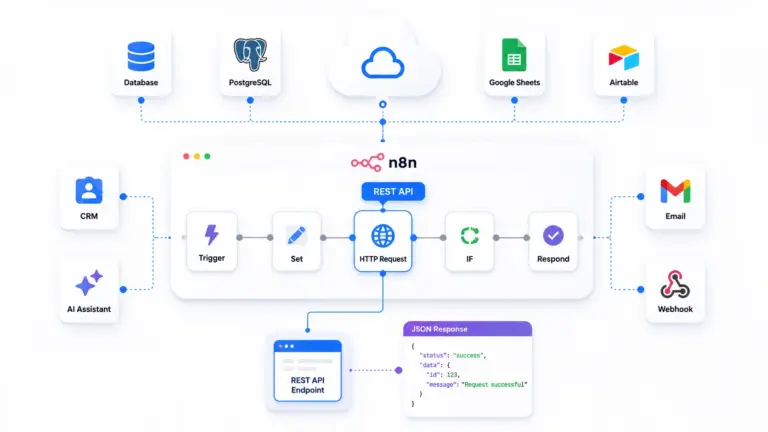
An n8n webhook is a URL endpoint that allows external applications to trigger workflows automatically.
In simple terms, it acts like a listener. When an external app sends data to this URL, n8n receives it and instantly starts a workflow.
This is called trigger-based automation, where actions happen in real time without manual intervention.
How it works (simple flow):
- A user submits a form
- The form sends data to a webhook URL
- n8n receives the data
- A workflow starts automatically
Example:
Form → Webhook → Workflow starts → Email / Slack notification
Webhooks are widely used for:
- Lead capture automation
- Payment confirmations
- API integrations
- Real-time notifications
How n8n Webhook URLs Work
Every webhook in n8n is assigned a unique URL that external apps use to send data.
Basic Structure
http://your-domain/webhook/xyz
This URL acts as the entry point to your workflow.
Test vs Production Webhook
n8n provides two types of webhook URLs:
1. Test Webhook
/webhook-test/xyz
- Works only during manual testing
- Active only when “Execute Workflow” is running
- Used for debugging
2. Production Webhook
/webhook/xyz
- Works when workflow is activated
- Used in real applications
- Always live and ready to receive requests

Why Base URL Matters
The base URL (domain or IP) is critical.
If configured incorrectly:
- External apps cannot reach your webhook
- OAuth integrations fail
- Requests may timeout or get blocked
Correct setup example:
https://yourdomain.com/webhook/xyz
Most Common Reasons n8n Webhook Is Not Working
Webhook issues usually come from configuration mistakes. Here are the most common causes:
1. n8n Is Not Running
If the container is stopped, the webhook cannot respond. Check:
docker ps
2. Wrong URL (IP vs Domain Mismatch)
Using an IP instead of a domain can break:
- OAuth connections
- External API calls
Also, missing ports can cause failures.
3. Port 5678 Blocked
If your firewall blocks port 5678, external requests won’t reach n8n.
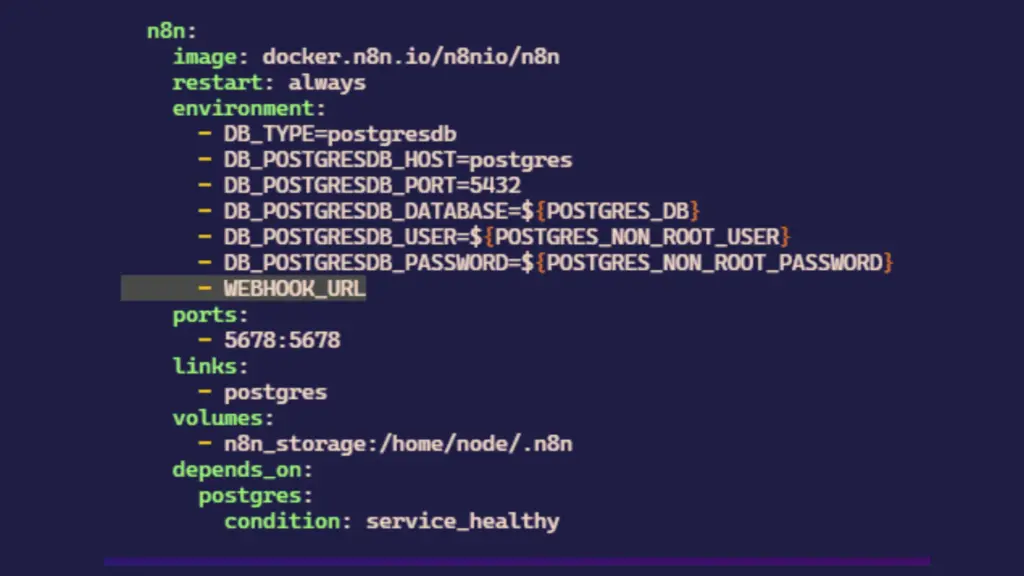
4. WEBHOOK_URL Not Configured
If this environment variable is missing or incorrect, webhook URLs will fail externally.
5. HTTP vs HTTPS Issue
Some integrations require HTTPS.
Using HTTP may:
- Block secure cookies
- Prevent authentication flows
6. Reverse Proxy Misconfiguration (Nginx)
If you are using Nginx:
- Missing proxy headers can break webhook requests
7. Workflow Not Active
Production webhooks only work when the workflow is turned ON.
8. Using Test Webhook in Production
A very common beginner mistake.
Test URLs do not work for live applications.
Step-by-Step Fix Guide (Practical Section)
Follow this sequence to fix webhook issues properly:
Step 1: Check if n8n is running
docker ps
Step 2: Test locally
curl localhost:5678
Step 3: Open firewall port
ufw allow 5678
Step 4: Fix environment variables
Add this to your configuration:
N8N_HOST=yourdomain.com
N8N_PROTOCOL=https
WEBHOOK_URL=https://yourdomain.com/
Step 5: Restart n8n
docker-compose down
docker-compose up -d
Step 6: Activate workflow
Turn the workflow Active ON inside n8n.
Step 7: Use production webhook
Make sure you use:
/webhook/
and not:
/webhook-test/
Errors and Fixes
Here are real-world errors beginners face:
1. Connection Refused
Symptoms:
- Unable to access n8n web interface
- Browser shows “Connection refused” or “Site can’t be reached”
Causes & Fixes:
| Cause | Fix |
|---|---|
| n8n not running | Start the n8n container: docker start n8n |
| Port blocked | Allow port 5678 in firewall: sudo ufw allow 5678 |
| Wrong port mapping | Check docker run command for correct port mapping: -p 5678:5678 |
2. Invalid Redirect / OAuth Errors
Symptoms:
- OAuth flows fail with “Invalid redirect URI”
- Error messages about insecure or mismatched domains
Causes & Fixes:
| Cause | Fix |
|---|---|
| Using IP instead of domain | Use a domain (e.g., n8n.example.com) with HTTPS |
| Missing HTTPS | Set up HTTPS using reverse proxy (Nginx, Traefik, Caddy) |
| Incorrect OAuth config | Update OAuth app settings with the correct domain and HTTPS URL |
3. No Response / Timeout
Symptoms:
- Webhooks or API calls hang or time out
- No response from n8n workflows
Causes & Fixes:
| Cause | Fix |
|---|---|
| Incorrect WEBHOOK_URL | Update WEBHOOK_URL env var to use the correct domain and HTTPS |
| SSL not configured | Enable HTTPS and ensure SSL certificates are valid |
| Network issues | Check network connectivity and proxy settings |
4. Works Locally but Not Externally
Symptoms:
- Workflows run fine on localhost, but fail when accessed externally
Causes & Fixes:
| Cause | Fix |
|---|---|
| Firewall rules | Open ports 5678, 80, 443 in firewall: sudo ufw allow 80,443/tcp |
| DNS issues | Verify domain points to the correct IP; use dig or nslookup |
| Proxy misconfiguration | Check reverse proxy config for correct routing and headers |
Beginner vs Production Setup (Important)
| Setup | Webhook Behavior |
|---|---|
| Local (Docker) | Works via localhost |
| VPS (IP only) | Limited and unstable |
| Domain + HTTPS | Fully functional and reliable |
Best Practices for Reliable Webhooks
1. Use a Domain Instead of an IP Address
Always use a custom domain (e.g., n8n.yourdomain.com) rather than a raw IP. This ensures consistency and avoids issues with OAuth providers and webhook services, which often require a valid domain for security and verification.
2. Always Enable HTTPS (SSL)
HTTPS is non-negotiable for production webhooks. It encrypts data in transit and is required by most third-party services. Use Let’s Encrypt Certificate or your hosting provider’s SSL certificates to secure your domain, and ensure all webhook URLs start with https://.
3. Set the Correct WEBHOOK_URL
Configure the WEBHOOK_URL environment variable in n8n to match your public domain and HTTPS endpoint. This ensures all generated webhook URLs are correct and accessible from external services, preventing “invalid URL” errors.
4. Use a Reverse Proxy Like Nginx
A reverse proxy (Nginx, Traefik, Caddy) manages SSL termination, load balancing, and routing. It also allows you to run multiple services on the same server and provides an extra layer of security and logging for troubleshooting.
5. Keep Workflows Active
Inactive workflows can miss webhook events. Regularly check and restart workflows if needed, or use n8n’s scheduling features to ensure critical workflows are always running and ready to receive webhooks.
6. Monitor Logs for Debugging
Enable and regularly review n8n logs for errors or failed webhook attempts. Use the built-in logging or integrate with tools like ELK or Datadog for real-time monitoring and faster issue resolution.
7. Avoid Relying on Test Webhook URLs
Test URLs (like those from ngrok or localtunnel) are temporary and unreliable for production. Always use a permanent, public URL for webhooks to ensure consistent operation and avoid unexpected downtime.
Conclusion
Webhook issues in n8n are rarely caused by bugs. Almost every problem comes down to configuration incorrect URLs, missing environment variables, blocked ports, or inactive workflows. Once you fix the basics domain, HTTPS, and proper environment setup webhooks become extremely reliable. If you’re running n8n on a KVM VPS hosting, the difference between a broken setup and a production-ready system comes down to small details that most guides skip.
Get those right, and your automation runs exactly as expected every time.
FAQ
Why is my n8n webhook not working?
Most likely due to incorrect WEBHOOK_URL, inactive workflow, or blocked port.
How do I fix n8n webhook timeout?
Check server accessibility, correct domain setup, and firewall rules.
Do I need HTTPS for n8n webhooks?
Yes. Many integrations require HTTPS and will fail on HTTP.
What is WEBHOOK_URL in n8n?
It defines the base URL used for all webhook calls and external integrations.
Why does test webhook work but production fails?
Because test webhooks work only in execution mode, while production requires active workflows.