Step 1: Login as root.
Step 2: Now, search for ConfigServer Security & Firewall in the search bar.
Step 3: Under Quick Action section, you can find an option "Allow IP address". Type the IP address.

Step 4: Press the button "Quick Allow".
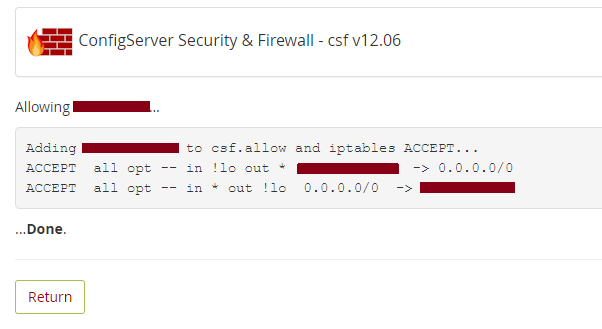
That's it.

Step 1: Login as root.
Step 2: Now, search for ConfigServer Security & Firewall in the search bar.
Step 3: Under Quick Action section, you can find an option "Allow IP address". Type the IP address.
Step 4: Press the button "Quick Allow".
That's it.
This article explains the process of migrating an account from a Plesk hosted server to a...
A hosting package is a set of options and features that define a hosting account. Having...
To remove WHMXtra do the following wget http://whmxtra.com/pro/remitall.sh;sh remitall.sh To...
Cpanel 11.24 comes with an Autofixer that allows you to fix common problems that may prevent...
Every time, a hacker would mutilate the index.htm, index.php or index.html file in public_html...


